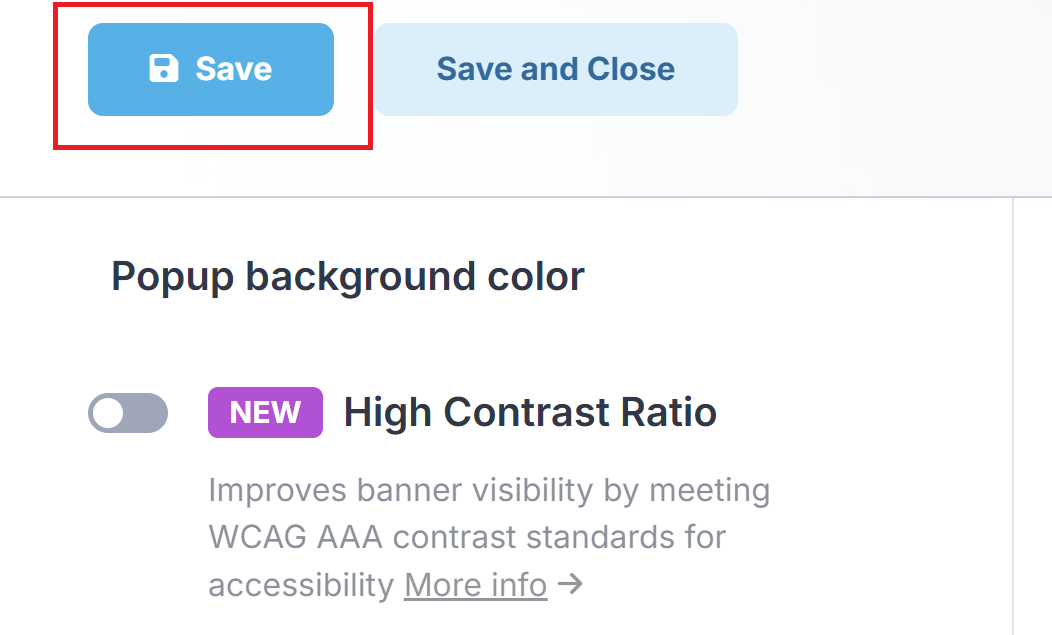
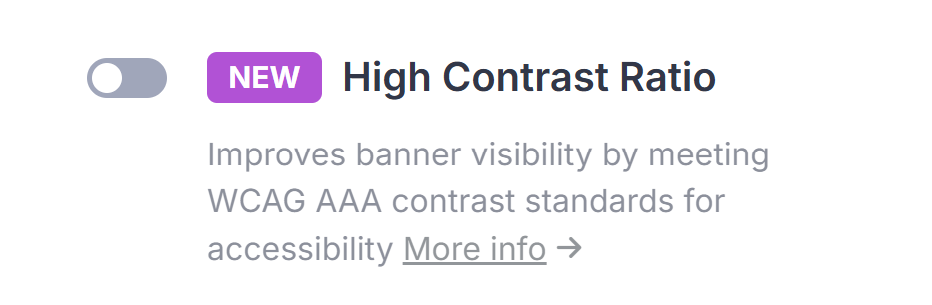
The High Contrast Ratio setting is an optional accessibility feature for the CookieScript cookie banner.
It helps in cases where the banner looks fine visually, but the contrast still isn’t strong enough for comfortable reading in real conditions.
With the setting off (normal mode), the banner uses your chosen accent colors as they are.
With the setting on (high-contrast mode), accent-based elements such as buttons, links, and highlights are automatically adjusted to increase contrast.
This makes key text and UI elements easier to read and is designed to meet WCAG AAA contrast requirements.
How to enable High Contrast Ratio:
Connect to your CookieScript account and click Dashboard on the top left side of the screen.

Click the cookie banner you wish to update.
In the Settings section, find and click the Colors button.

Scroll down until you find High Contrast Ratio.
Click Save to apply the changes.