
The integrity attribute adds an extra layer of security to your CookieScript banner by ensuring the script hasn’t been modified. It works by verifying the script against a unique hash.
However, this hash changes whenever the banner configuration or script output changes.
When the integrity code changes
You’ll need to update the integrity code in these situations:
Each time you save or re-save the banner, even if you made small changes.
After scanning your website, since the scan may update the banner configuration.
After changing banner settings, design, languages, or behavior.
Every save generates a new integrity hash. If you continue using the old one, the browser may block the script and the banner may not load.
What you need to do
After saving the banner or running a scan:
Choose your banner and go to the Install section in your CookieScript dashboard.
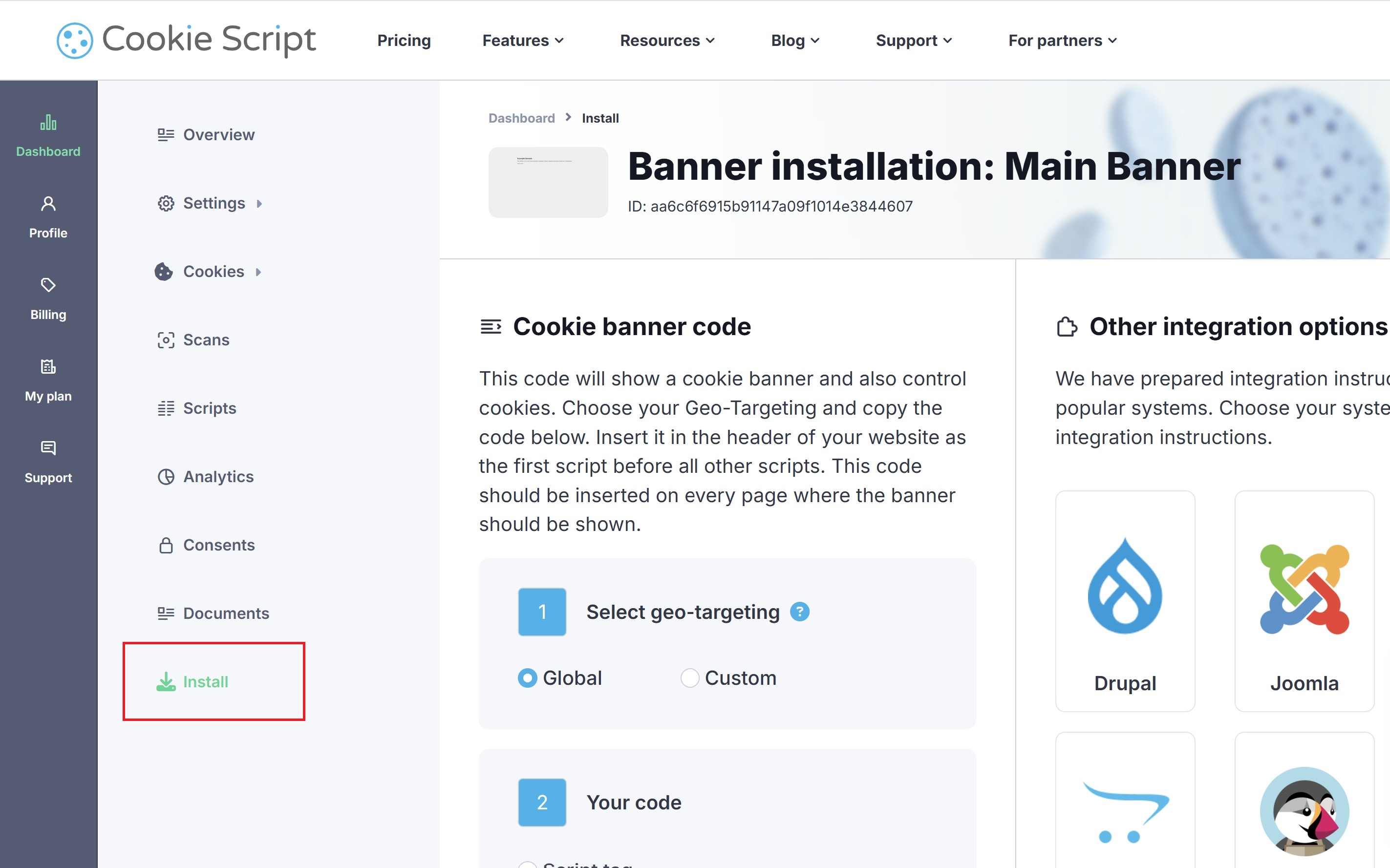
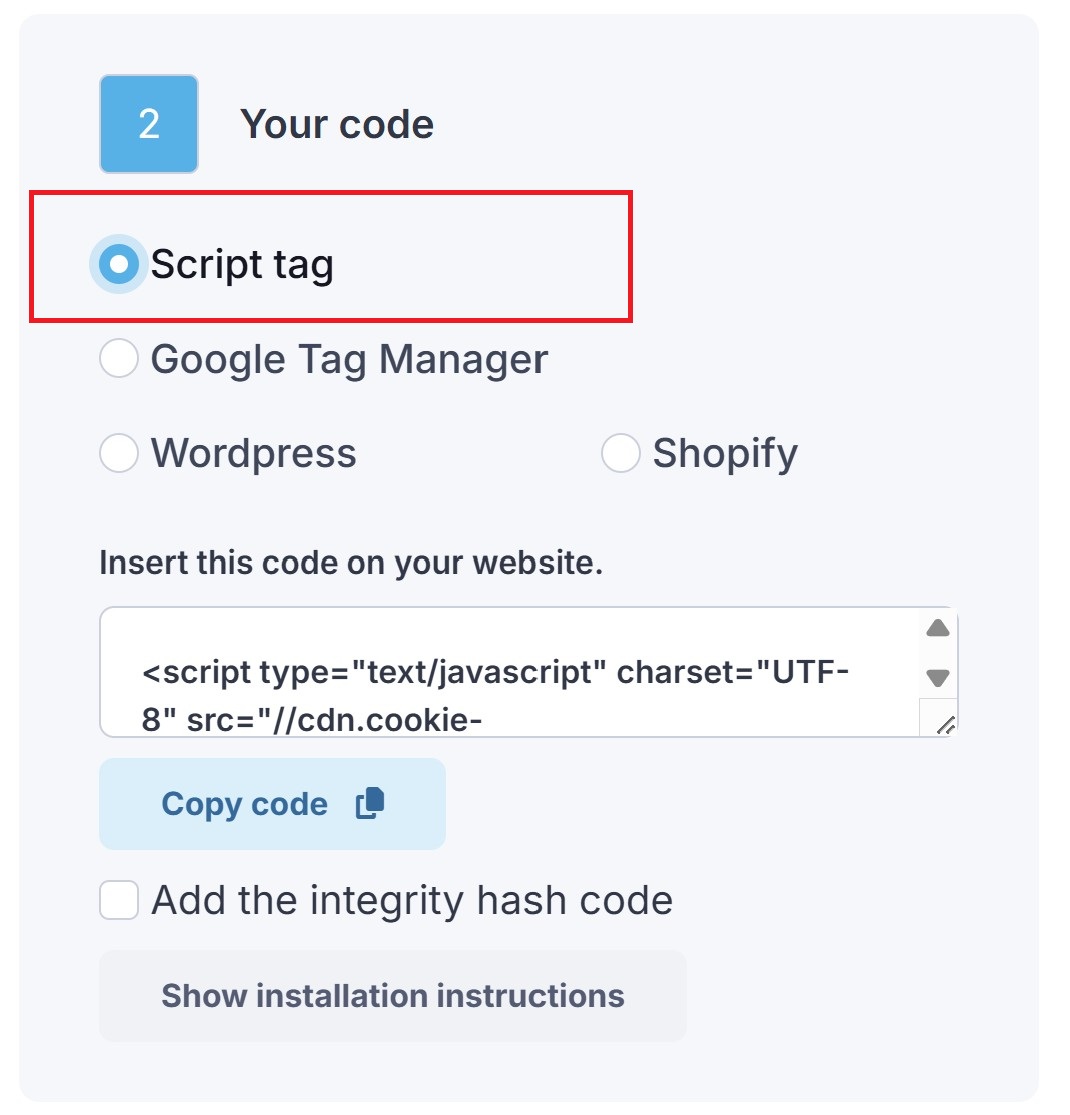
Select Script tag as the installation method.
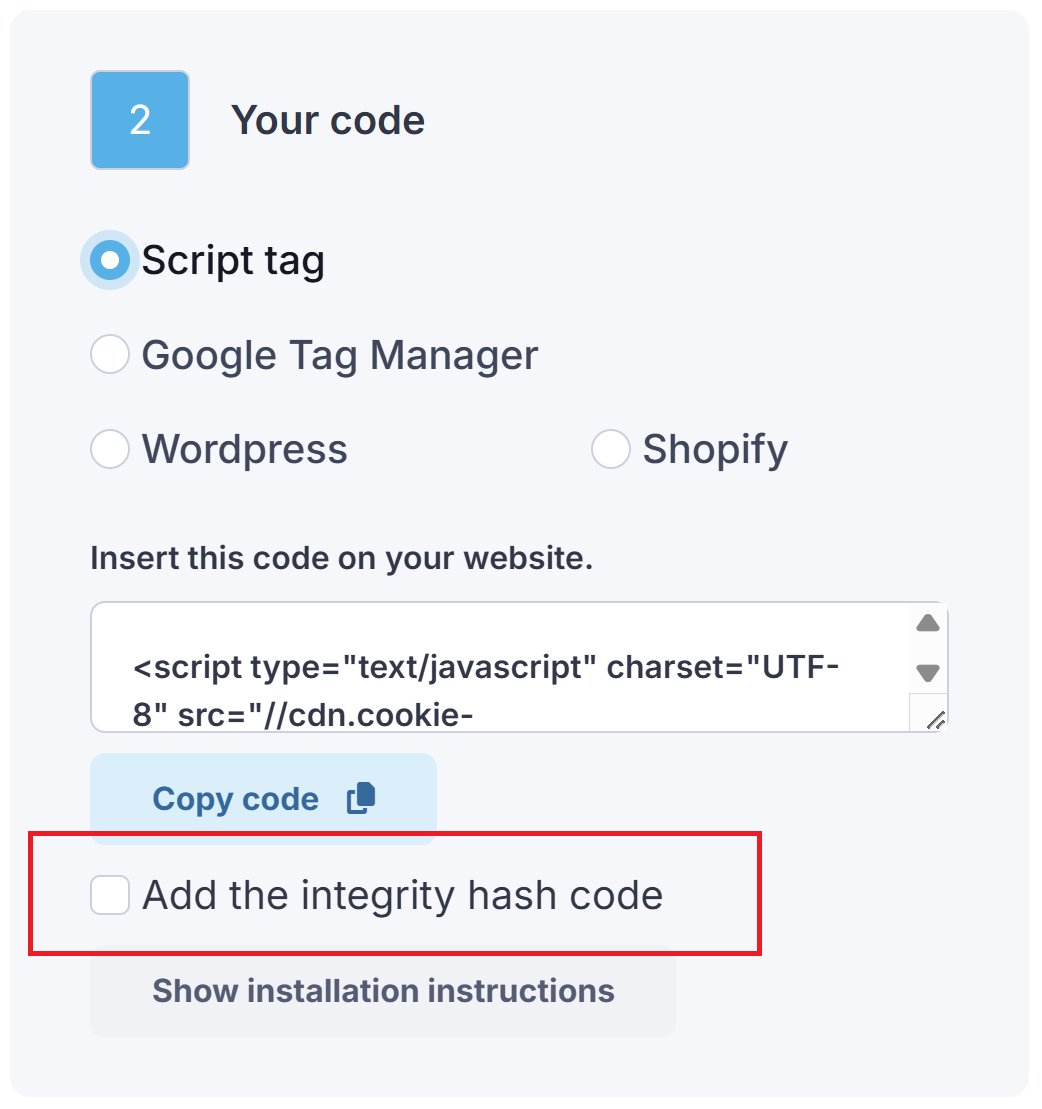
Check the box labeled “Add the integrity hash code”.
Copy the generated script.
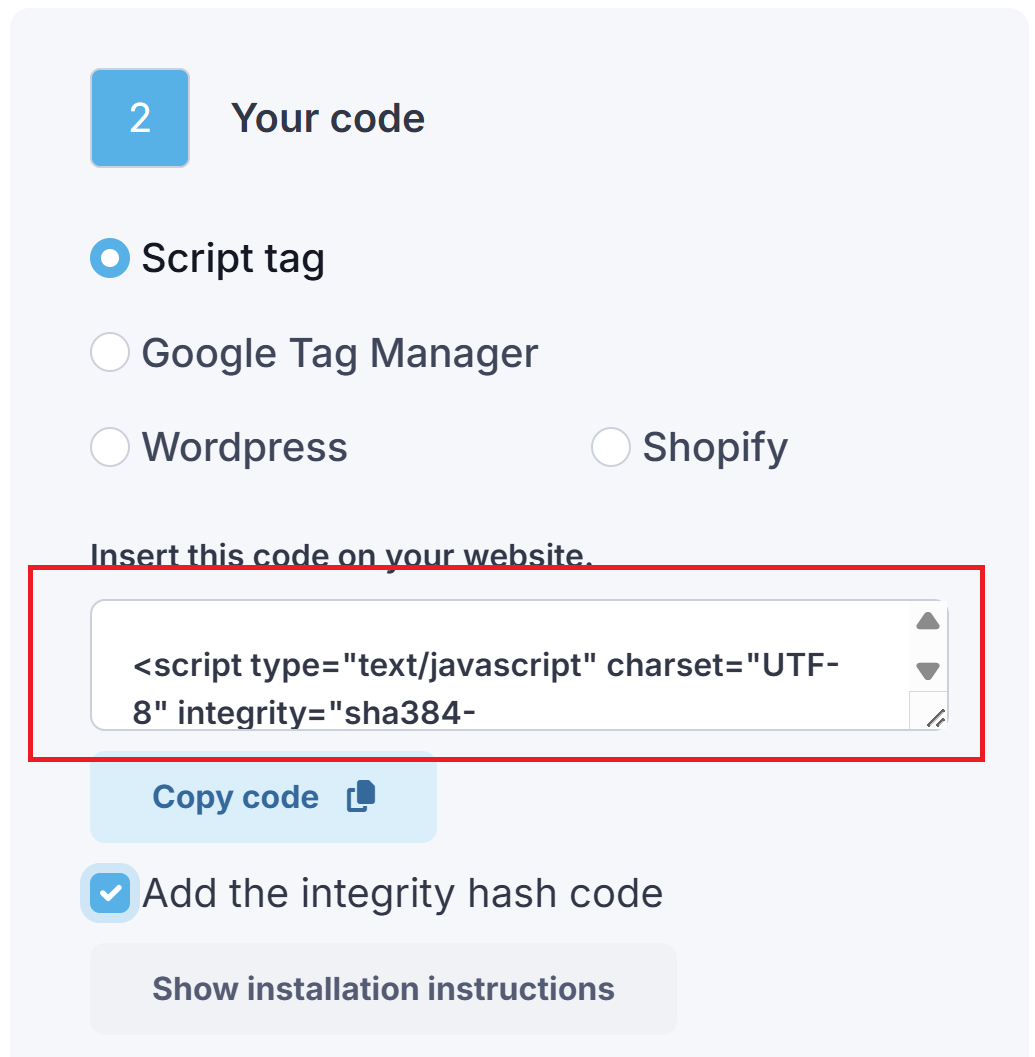
Replace the existing CookieScript code on your website with the newly generated script.
This ensures the banner loads correctly and passes integrity verification.
Important limitation: Geo-targeted scripts
The integrity attribute does not work with geo-targeted script code.
Geo-targeted scripts dynamically change depending on the visitor’s location. Because the content varies, the integrity hash cannot remain constant, and browser verification will fail.
If you are using geo-targeting, install the script without the integrity attribute.
Troubleshooting
If your banner suddenly stops appearing after changes, make sure you’ve copied the latest installation code with the updated integrity hash.