
Use this option when someone else (a developer, marketer, or client) needs to install your CookieScript banner on a website.
Steps
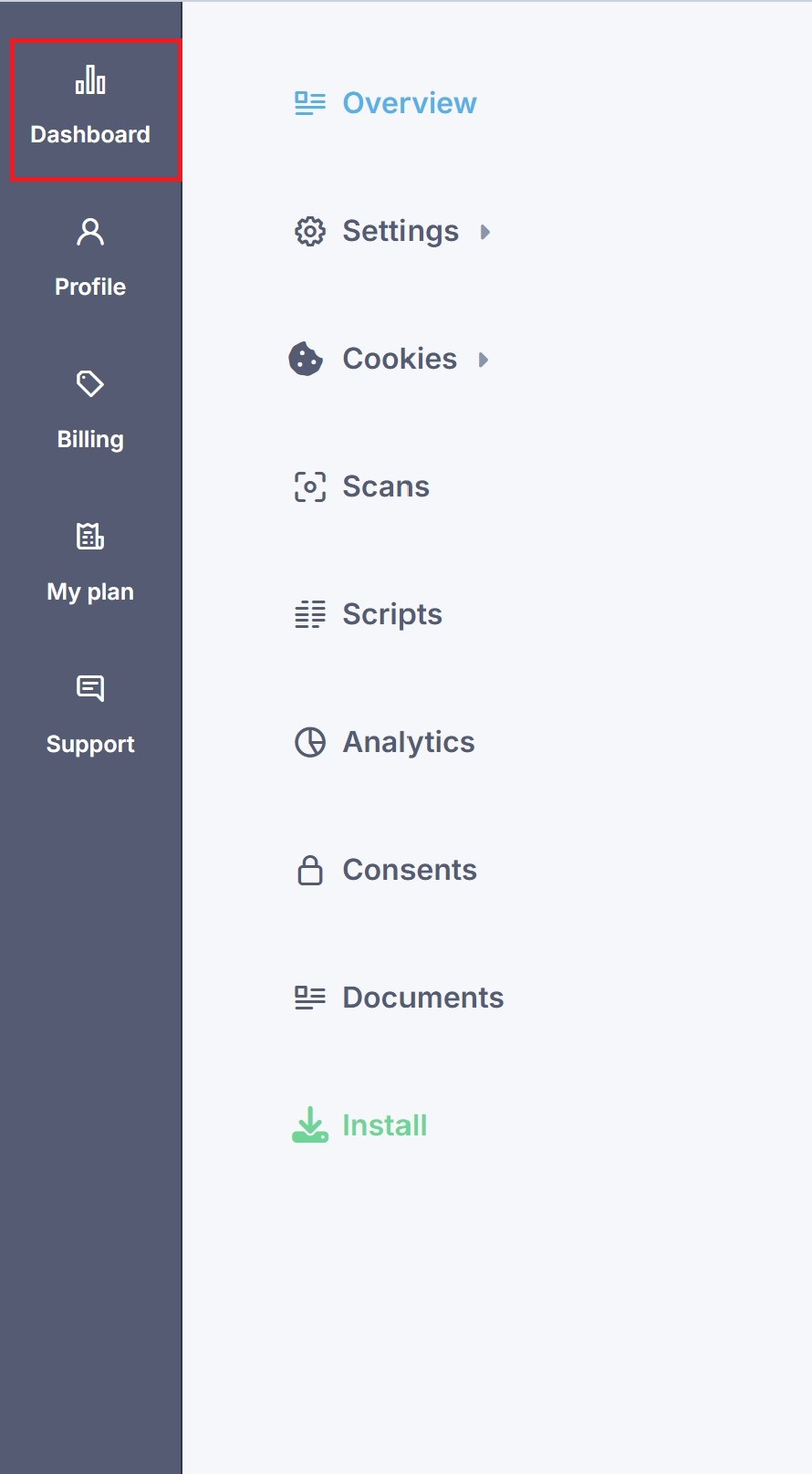
Open your banner from the dashboard and choose your banner
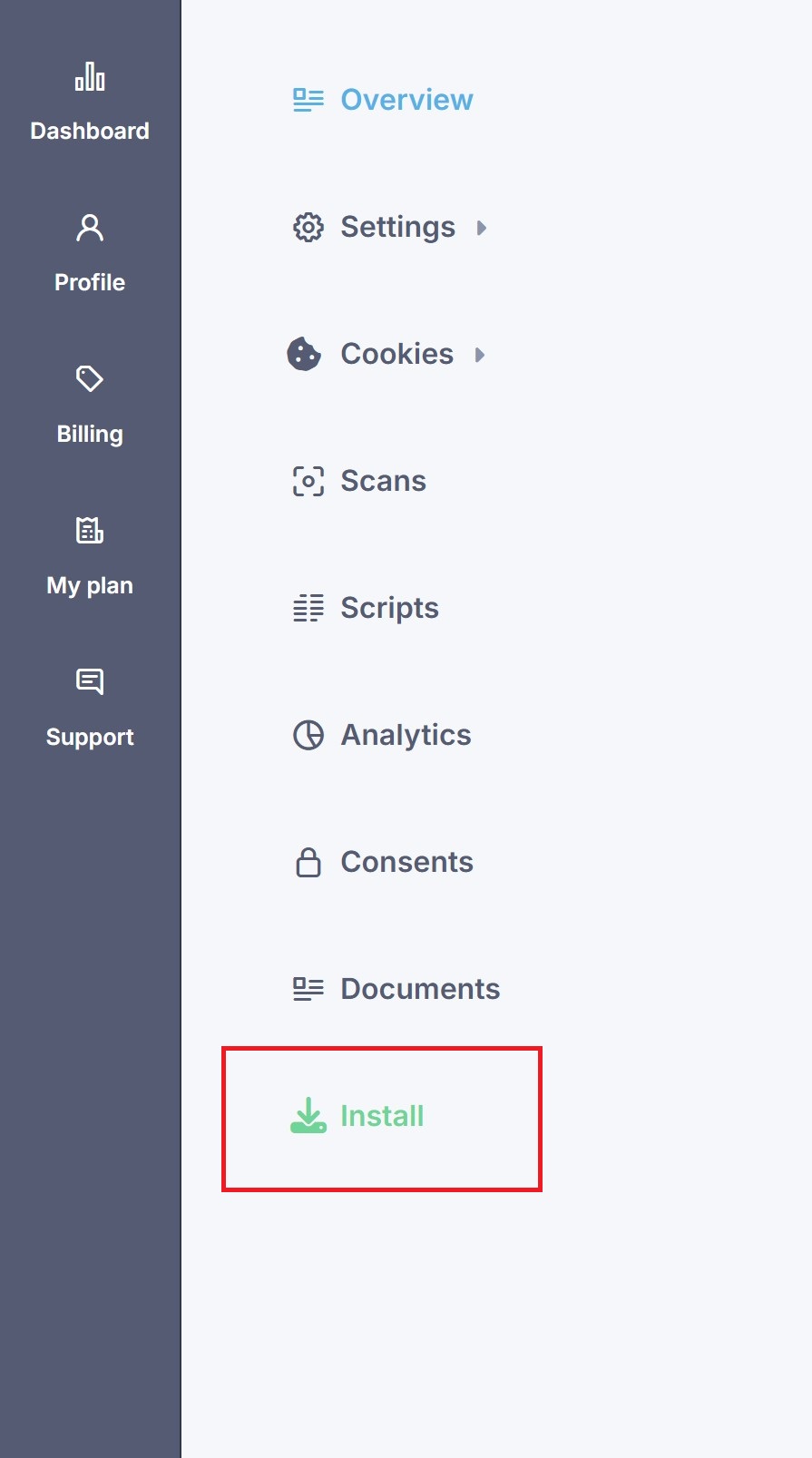
Go to the Install section
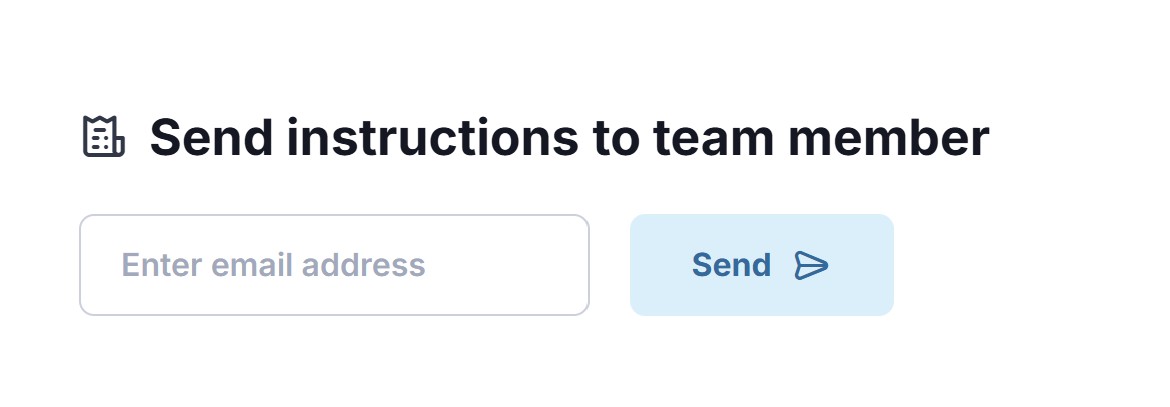
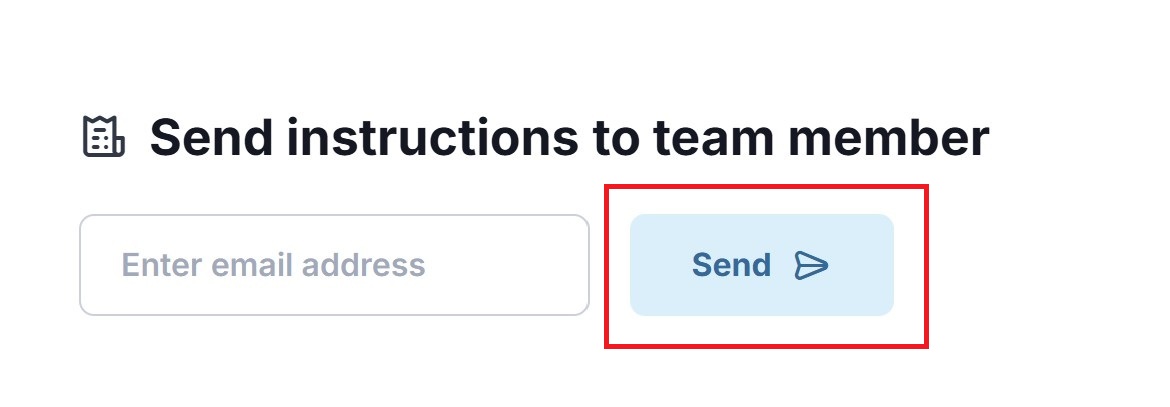
Scroll down to Send instructions to team member
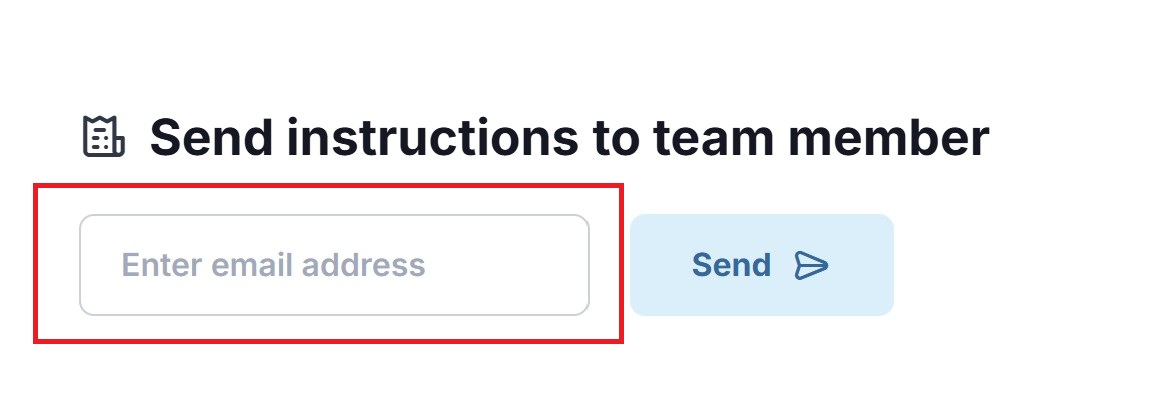
Enter your teammate’s email address
Click Send
What happens next
Your teammate will receive an email with:
Installation steps
Your banner’s script code
Instructions for adding it to the website
They can install the banner without accessing your CookieScript account.
If the email doesn’t arrive
Check the email address for typos
Ask your teammate to check spam or promotions
Try sending the instructions again
Still nothing? Please contact CookieScripts customer support team for assistance.