
You can create a new account using the registration page:
https://cookie-script.com/register
After you complete all required registration fields and click Register, you will receive an email containing a confirmation link.
Click the confirmation link to activate your account.
Account activation
After clicking the confirmation link successfully, you should see a green message:
“Your Account has been activated. You can now log in using the username and password you chose during the registration.”

You can then log in using the username and password you created during registration.
Missing or delayed confirmation email
When you create a CookieScript account, you should receive a confirmation email containing a link that you need to click to complete the registration process.
In most cases, the email arrives right away. However, if you do not receive it, try the following steps.
Check that your email address is correct
Make sure the email address you entered during registration is correct. Even a small typo can prevent the confirmation email from reaching you.
If you are unsure whether the address was entered correctly, try registering again and carefully re-enter your email address.
Check your Spam, Junk, and other folders
Confirmation emails can occasionally be filtered into Spam or Junk folders.
Depending on your email provider, you may also want to check folders such as Promotions, Updates, or other filtered inbox categories.
If you find the confirmation email in your Spam or Junk folder, mark it as Not spam to help future CookieScript emails reach your inbox.
Allow some time for the email to arrive
Most confirmation emails arrive within a few seconds, but occasional delays can occur.
Refresh your inbox and wait a few minutes before trying to register again.
Add the sender to your contacts
Adding the sender's email address to your contacts or safe-sender list can help prevent future CookieScript emails from being filtered.
This step is optional, but it may be helpful if you have experienced issues receiving automated emails before.
403 error when clicking the confirmation link
If you click the confirmation link and see a 403 error, this usually means that the confirmation link has already been used and your account has already been activated.
The confirmation link can only be used once.
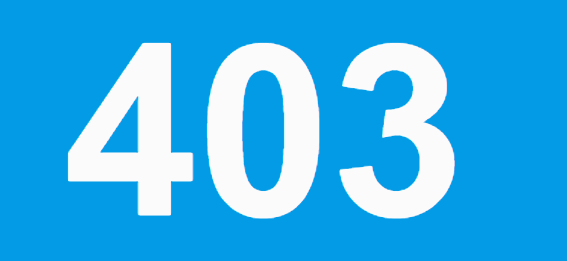
If you receive a 403 error, try logging in using the username and password you created during registration.
Still having trouble?
If you are unable to log in after receiving the 403 error, or you continue to experience issues with registration, please contact CookieScript Support for further assistance.